Buck Me Walkthrough
Needing a bank account for her community service wages, Lucia has Jason meet her at the Fleeca bank.
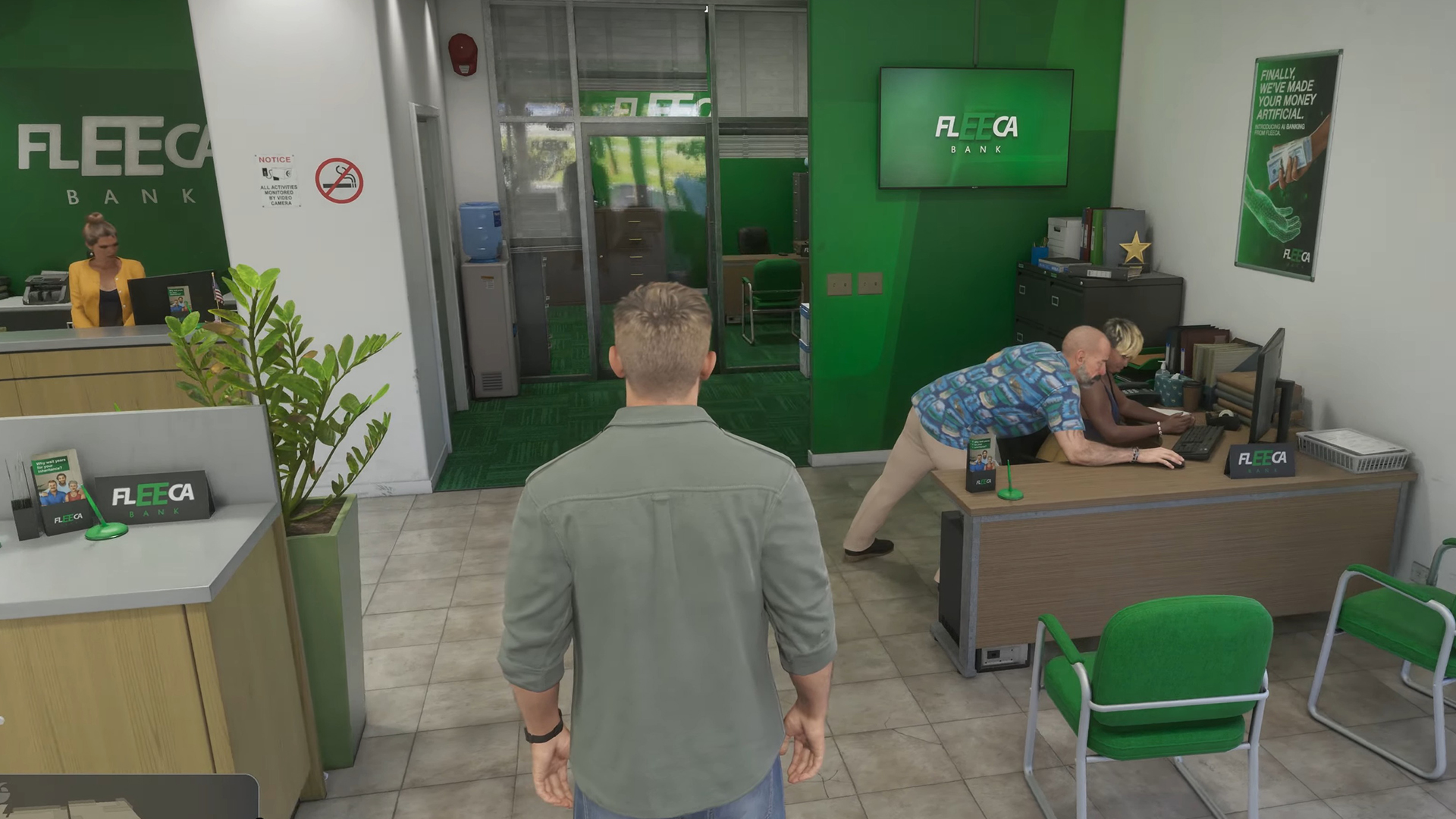
Table of Contents
1. Mission Overview
Assigned by Lucia Caminos, Buck Me puts you in the role of Jason Duval for main story mission #15 in Grand Theft Auto VI's chronological order.
2. Objectives
3. Step-by-Step Walkthrough
Meet Lucia at the Fleeca Branch
Roughly half a day after Coming Home, Jason gets a call from Lucia explaining that neither of them owns a bank account, which she requires to collect her community service pay. Head to Key Lento's Fleeca branch to meet up with her.
Inquire About Setting Up an Account
Once inside, speak with the teller, who directs you toward the manager seated at the table in the right corner, then accompany him into his office. Due to your awful credit, opening a standard account isn't possible, leading him to recommend a fintech app named BuckMe instead.
Launch the BuckMe App
Following a cutscene, you return home to find a $100 welcome bonus deposited into your checking account. Pull out your phone and tap the purple "B" icon to open BuckMe.
Transfer Funds to Family Savings
Inside BuckMe, navigate to the Checking Account menu and transfer the $100 over to the Family Savings account using "Buck Yourself".
4. Pro Tips & Strategies
- Any cash placed into Family Savings stays locked in—you can never take it out, yet it can never be lost either, and reaching each savings goal unlocks discounts while raising your checking limit. Because purchases above $1,000 go through BuckMe and dying forfeits your pocket cash, make a habit of depositing money at ATMs regularly.